Buyer planning guide
Commercial Kitchen Equipment Delivery Appointment: A Booking Brief
Reconcile two kitchen equipment delivery appointments with a worked package-to-order register, changed cargo rows and an editable booking CSV.
Map equipment to packages and reconcile split pickup or delivery movements →
Pickup or delivery appointment worksheet
| Booking field | Information to supply | Supporting record |
|---|---|---|
| Movement identity | Transport reference, order lines and package identifiers | Match the shipment-specific package schedule |
| Receiving entrance | Address, entrance label and site contact | Attach the site reporting instructions |
| Requested appointment | Date, local time zone and receiving window | Keep the provider acknowledgement separately |
| Cargo information | Package count, packed dimensions and gross weights | Use the cargo schedule revision for this movement |
| Handover endpoint | Named unloading point and responsible party | Match the accepted transport scope |
| Indoor movement | Provider, staging point and final room | Keep positioning and installation activities separate |
| Revision | Changed booking reference and coordinating contact | Retain the accepted revision with the receiving record |
Model identity: cabinet dimensions for three JINYU displays
These are cabinet measurements. Obtain packed dimensions and gross weights from the shipment-specific cargo schedule for vehicle and handling planning.
| Model | Cabinet size (mm) | Listed capacity |
|---|---|---|
| GN-1200RF2 | 1200 × 730 × 1200 | 425 L |
| GN-660RT | 660 × 530 × 730 | 102 L |
| GN-1200RT | 1200 × 530 × 730 | 190 L |
Reconcile delivered package identifiers and split arrivals with a receiving example and editable discrepancy record.
Worked booking reconciliation: two movements, three cabinets
Download the worked schedule (CSV) →
| Booking | Order line / cabinet | Package identifier | Receiving record |
|---|---|---|---|
| MOVE-A | L01 / GN-660RT | PK-A01 | Entrance E1; package schedule R1 |
| MOVE-A | L02 / GN-1200RT | PK-A02 | Entrance E1; package schedule R1 |
| MOVE-B | L03 / GN-1200RF2 | PK-B01 | Entrance E2; package schedule R2 |
| MOVE-B revision | L03 accessory carton | PK-B02 | Add to R3; request booking response |
How do I reconcile a booking when two similar model codes arrive separately?
Start with the order-line identifiers, then attach a package identifier and movement reference to each one. In the worked register, MOVE-A carries L01, a GN-660RT, and L02, a GN-1200RT. MOVE-B carries L03, a GN-1200RF2. All references and allocations are illustrative buyer records. The two 1200 mm-wide cabinets remain separate order lines: GN-1200RT is 530 mm deep and 730 mm high, while GN-1200RF2 is 730 mm deep and 1200 mm high. Width alone would make an unreliable receiving label.
The receiving contact can use this mapping to compare the appointment with the arriving package labels. MOVE-A has two scheduled identifiers; MOVE-B initially has one. Those counts describe this example only. Obtain the actual packing list before entering a real count. Put packed dimensions and gross weights alongside each identifier using that list, and send the same revision to the party arranging transport. The cabinet dimensions on this page describe equipment bodies; the package schedule supplies the transport measurements.
What happens to the appointment record when an accessory carton is added?
Suppose the cargo schedule for MOVE-B changes from R2 to R3 and adds PK-B02, an accessory carton linked to L03. Add a new row rather than folding its contents into PK-B01. MOVE-B now has two illustrative packages, and the complete example has four instead of three. Keep the earlier R2 reference in the revision history so the receiver can see why the expected count changed. Record the accessory description from the actual packing document beside the new identifier.
Send R3 with the revised booking request, identifying the affected movement and entrance. Ask the transport provider to respond against R3 and retain that response with the appointment. If the entrance or handover endpoint also changes, update those cells in the same record. A proposed revision remains a request until the receiving and transport arrangements have been acknowledged through the project contact. On arrival, compare labels with R3 and record which identifiers were received. This separates a missing scheduled carton from an accessory intentionally allocated to another movement.
What information belongs in a kitchen equipment delivery appointment?
A delivery appointment should identify the shipment, the receiving address, the agreed handover point and the person who can accept it there. Keep the transport reference beside the equipment order lines. State whether the booking is for a nominated carrier collecting equipment or for a delivery arriving at the restaurant. Those two appointments can belong to the same shipment, but they occur at different locations and need separate contacts.
Use this brief after comparing pickup and delivery scope. Its purpose is to turn an agreed transport arrangement into a usable booking record: who attends, where the vehicle reports, which packages are expected and what happens after unloading. It complements the route-measurement guide and receiving checklist linked below. An appointment record does not establish a transport service or an arrival commitment from JINYU.
How do I describe the receiving point inside a shared building?
Write the trading address and receiving entrance separately when they differ. A restaurant may face a shopping street while goods enter through a service yard. Identify the entrance by a building plan reference or a labelled photograph, then give the route from that entrance to the agreed handover point. Include the site contact who can open that entrance and explain the building's reporting procedure.
Record the site's permitted receiving windows as site requirements, with the date and local time zone. Ask the appointed transport provider to acknowledge the proposed booking separately. If the premises require an appointment reference, vehicle registration or advance security check, identify who supplies each item. Keep a requested slot distinct from an acknowledged appointment so the kitchen team does not arrange attendance around an unaccepted time.
Which model details help the receiving team identify the shipment?
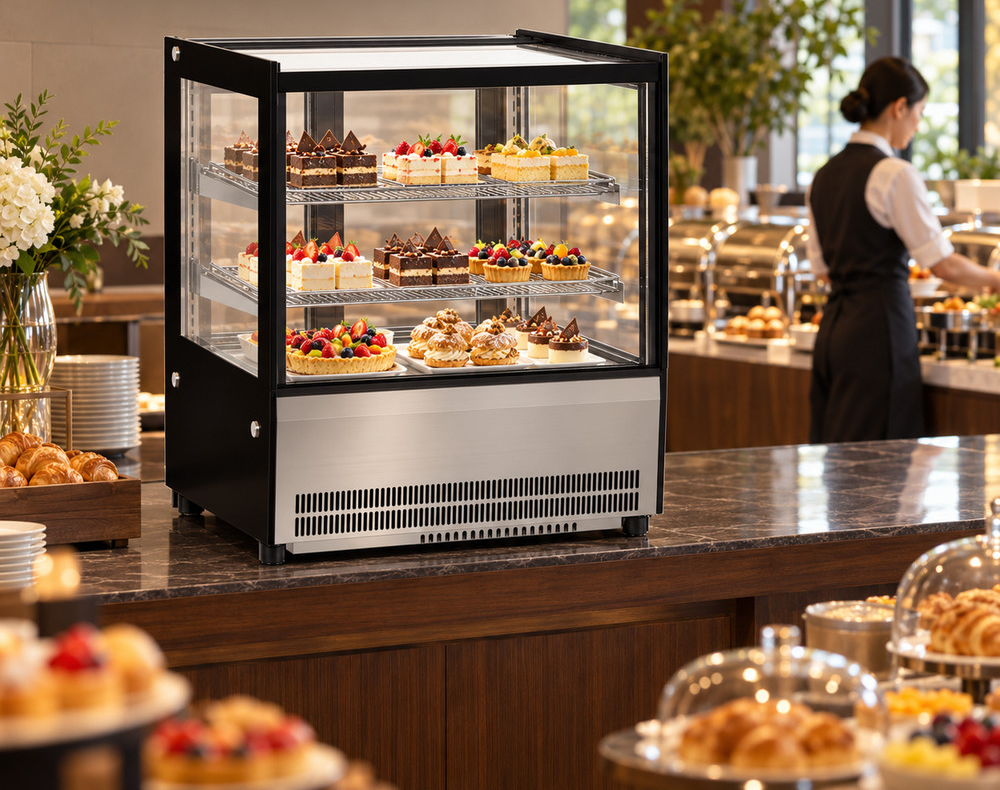
List complete model codes and quantities against order-line numbers. GN-660RT and GN-1200RT are both straight-glass countertop cake displays, but their cabinet widths are 660 mm and 1200 mm. Both are 530 mm deep and 730 mm high. GN-1200RF2 measures 1200 × 730 × 1200 mm. The shared 1200 mm width of GN-1200RT and GN-1200RF2 does not describe the same cabinet envelope.
The comparison below uses cabinet dimensions from the individual JINYU model records. Ask for the shipment-specific package count, packed dimensions and gross weights in a separate cargo schedule. Do not book a vehicle or lifting arrangement from these cabinet measurements. Link each package identifier to an order line, including separately packed accessories, so the booking contact knows what the vehicle is expected to carry.
How should unloading and indoor movement appear in the booking?
Give each movement an endpoint and a named responsible party: vehicle to unloading point, unloading point to indoor staging position, and staging position to final equipment location. Copy the accepted transport scope into those rows. If a separate mover handles the indoor stage, give that provider the same package schedule and route information used for the arrival booking.
Record any handling equipment proposed by the responsible provider against the actual package dimensions and gross weights. A statement such as delivery to site leaves the endpoint unclear. Name the yard, loading bay, entrance or room that was agreed. Keep unpacking, positioning and installation as separate activities in the record; attendance by a driver does not establish responsibility for all three.
What if several cabinets arrive on different vehicles?
Use one appointment row for each movement rather than placing every model under a single arrival label. Connect the transport reference, package identifiers and expected order lines in that row. For a split shipment, retain the full order schedule and mark which packages belong to each movement. This allows the receiving team to distinguish a planned later package from a discrepancy on the arriving vehicle.
Assign a staging position for each movement and identify who releases that area before the next arrival. Record separate contacts if the first handover is at a warehouse and a later movement goes to the restaurant. When the package schedule changes, update the booking reference and send the same revision to the transport provider and site receiver through the agreed project contact route.
What should change when the proposed appointment changes?
Retain the original requested appointment and add the revised request with its date. Identify the reason, the affected transport reference and the person coordinating the change. Ask the transport provider to acknowledge the revised arrangement. A site diary entry and a carrier's accepted booking are separate records; keep both attached to the shipment.
Review the consequences for receiving staff, entrance access, unloading arrangements and any separate indoor mover. A later arrival can affect a building's goods entrance even when the equipment order is unchanged. Keep changes to equipment configuration out of a booking-time note: if the model or package schedule changes, issue an identifiable equipment or cargo revision as well.
Which documents should be ready at the handover point?
Give the receiver the accepted equipment schedule, the package list, the transport reference and the appointment record. Add the named contact route for reporting a visible discrepancy. Keep the receiving checklist available so package counts and condition observations can be recorded against the actual arrival, rather than reconstructed from the booking request later.
Photographs of labels and package condition belong to the receiving record. Installation instructions and electrical documents belong with the commissioning team. An acknowledged delivery appointment establishes an arrangement for attendance; the subsequent handover record documents what arrived. Keeping those records connected makes a wrong package or a missing accessory traceable to a specific order line and movement.
What should I send JINYU before arranging pickup or delivery?
Include your receiving entrance, site contact and any building appointment requirements. Ask for the offered transport scope and shipment-specific package schedule so your nominated transport provider or the proposed delivery provider can review the booking information.
Use the worksheet below to collect the appointment fields in one place. Request written acknowledgement of the arrangement from the party responsible for that movement. Retain the cargo schedule revision with the appointment record, then use the receiving checklist at arrival. This connects the initial pickup-or-delivery inquiry to a named handover without treating cabinet specifications as shipping measurements.
Reference sources
- Plan unpacking and receiving space
- Compare pickup and delivery options
- Measure the delivery route
- Prepare the receiving checklist
Regional references support general planning; model-specific specifications come from the published JINYU model tables.