Buyer planning guide
Custom Bag Inquiry Template: Editable CSV Download
Download an editable JINYU custom bag inquiry CSV with 27 fields for dimensions, materials, artwork, quantities and destination, plus instructions for each section.
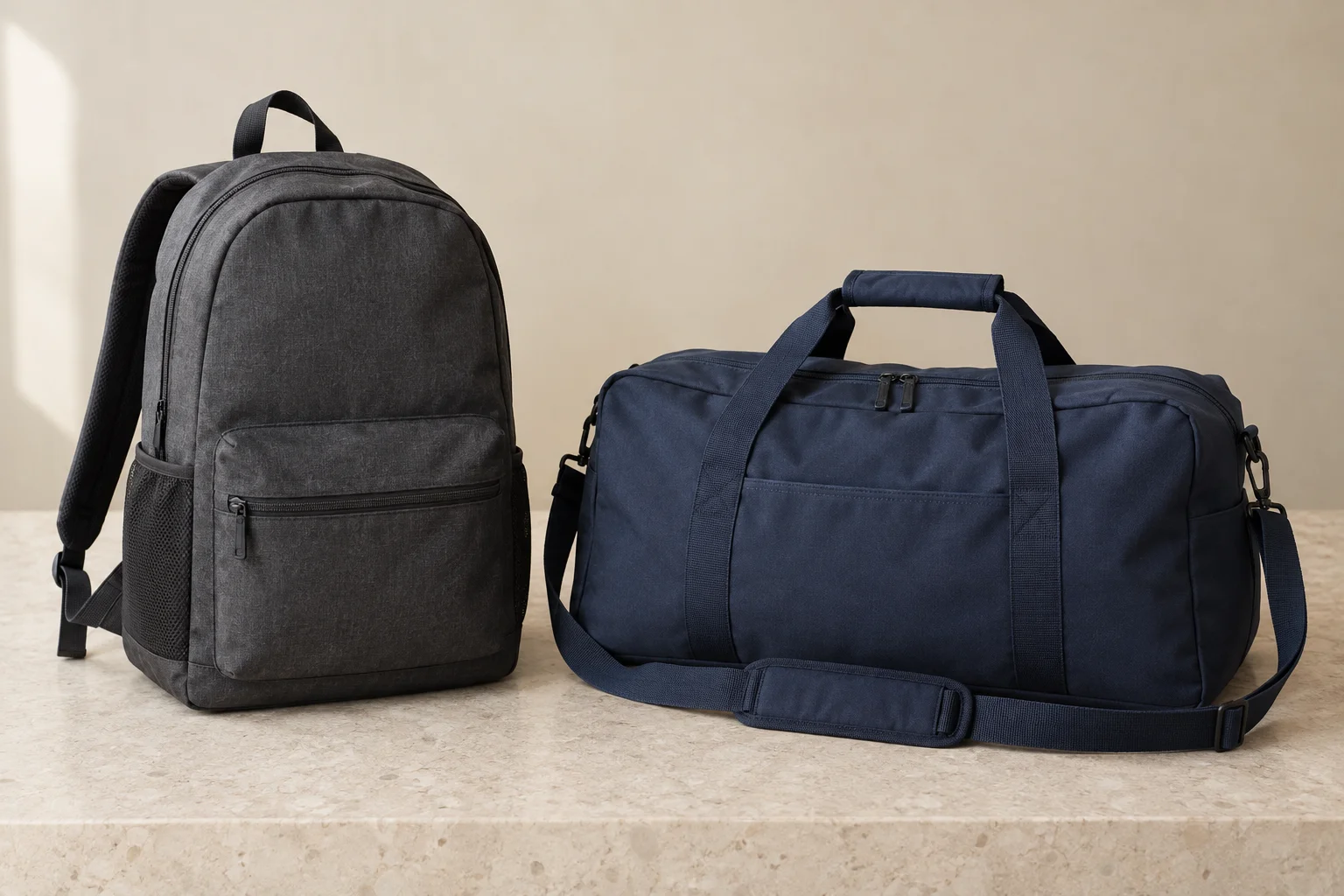
Record seam construction and sample photographs: connect numbered joins, inside views and returned edge-finish descriptions to the current drawing.
Download the editable bag inquiry brief
Download inquiry template (CSV)
27 project fields in four columns: section, field, buyer entry and attachment reference. JINYU recipient identity is included. Open the file in a spreadsheet, complete one copy per bag specification and retain its revision with your project records.
| Section | Fields to complete |
|---|---|
| Identity | Inquiry reference; Revision and date; Bag line identifier |
| Selection | Bag family and stock/custom route; Intended use and carried item; Stock style and variant reference |
| Dimensions | Body width (mm); Body height (mm); Gusset depth (mm; zero for flat); Measurement basis: requested or reference sample; Handle drop (mm) |
| Construction | Material and documented fabric weight with unit; Body colour and reference; Lining; Closure; Pockets and compartments; Straps and hardware |
| Artwork | Artwork filename and revision; Bag face or component; Print position and dimensions (mm); Print colour references |
| Allocation | Requested quantity for this bag line; Destination and receiving endpoint; Destination allocation attachment |
| Documents | Dimensioned drawing filename and revision; Reference photos or sample identifier; Questions for the response |
Where can I download an editable custom bag inquiry template?
Download the JINYU CSV brief below and open it in a spreadsheet. It contains a field list, a buyer-entry column and an attachment-reference column. Keep one copy for each bag specification, giving each copy a line identifier and revision. Start with the bag family, intended use and requested quantity; then work through dimensions, construction, artwork and destination. The entries describe your request and give JINYU a consistent basis for replying.
The file is blank where your project information belongs. Downloading or editing it does not send an inquiry. Use the inquiry page to describe the project and refer to your completed schedule. For JINYU, small-quantity non-woven selection starts with stock styles; canvas totes, backpacks and travel bags use a custom brief. Identify which route you are asking about before describing the design.
How do I enter bag dimensions without mixing body size and handle drop?
Use millimetres throughout the dimension fields. Record body width, body height and gusset depth separately, and state whether they are requested finished dimensions or measurements from a reference sample. For a flat bag, identify the flat construction and enter zero for gusset depth. Put handle drop in its own row: measure vertically from the top of the bag body to the underside of the handle at its highest point. Do not add it to body height.
Attach a labelled drawing showing the same measurement points. For example, an illustrative tote request might specify a 360 mm body width, 400 mm body height, 100 mm gusset and 250 mm handle drop. Those numbers define an example brief, not a listed product. Add the carried item's dimensions and orientation to explain why you selected that outline.
Which material and construction details should I include?
Name the bag family and describe the material you want reviewed. For a custom canvas tote, include the fabric description or reference swatch, body colour, lining, closure and any pockets. For a backpack or travel bag, also describe straps, adjustment hardware and compartments. Put an attachment reference beside any feature best explained by a photograph. A material name alone does not define the finished construction.
Use the same fields when describing a physical reference bag, but distinguish features you want retained from features you want changed. If fabric weight is documented, include its unit and source in the material entry. Otherwise, describe the reference swatch rather than guessing a number. For stock non-woven bags, enter the catalogue style and variant, then use the size chart to identify its recorded dimensions.
How do I connect artwork files to the right bag variant?
Give every design a stable reference and revision, then assign it to a bag face or component. Record the requested print position and dimensions on the drawing. List colour references with the artwork file, identifying whether they come from a physical sample or a named colour system. A screen image can help locate the design, but the recipient still needs to know which file defines the requested artwork.
Where two colours of the same bag use different designs, make separate line copies and repeat the construction fields. Keep their artwork references distinct. The attachment column should identify the actual filename and revision for each line. If you change a design after sending the brief, revise the inquiry record and identify the earlier artwork it replaces. This keeps the response attached to an identifiable request.
How should quantities and destinations appear in the spreadsheet?
Enter a requested quantity for the specification represented by that copy of the template. Split the request into separate line identifiers when colour, artwork or construction changes. For an illustrative project with 80 blue totes using design A and 120 natural totes using design B, create two lines and reconcile the combined request to 200. These are example purchasing quantities, not statements about order acceptance or stock availability.
Record the destination and receiving endpoint for each line. When the same bag specification goes to several destinations, attach an allocation schedule showing the quantities assigned to each address. Keep product quantities separate from carton quantities; packing information belongs in the returned proposal or packing record. Ask the response to identify the same bag lines so that a proposed alternative can be compared with the corresponding request.
What should I do when the reply proposes a different specification?
Keep the completed request as a dated revision and compare the reply against it. Record the offered value beside the requested value in a separate comparison sheet. Identify material, dimensions, closure, handles, artwork and packing differences individually. If a reply uses a different bag line or artwork revision, ask which requested line it addresses before combining the information into the project schedule.
The blank download is an inquiry brief; it does not replace a returned specification, artwork proof or sample record. Attach each of those documents to its own reference. When a proposal changes the construction, request a drawing or sample record showing that construction. Preserve your original measurements, then create a new inquiry revision if you decide to change the request. The revision guide linked below explains how to retain the change history.
What should I check before sending the completed brief to JINYU?
Read each copy from top to bottom and verify that the line identifier, revision and attachment references agree. Check units on every dimension and reconcile variant quantities against the project total. Open the artwork and drawing files you reference, checking that their filenames match the schedule. Include a photograph of the reference item when it explains the intended use, with a scale or separate measurements for its size.
Use the JINYU inquiry page to introduce the project and identify the brief revision. JINYU is the brand of Shaanxi Jinyu Kitchenware Co., Ltd. (陕西金宇厨具有限公司). Ask the response to repeat the offered specification and identify any alternatives by bag line. Keep that response with the original brief, so purchasing and artwork reviewers can trace the requested construction through the later proposal and sample records.