Buyer planning guide
Pizza & Sushi Prep Counter Pan Plan: Download a Position-by-Position Worksheet
Download 68 editable pan-position rows for nine JINYU SC/SB counters. Map ingredients, repeated pans, reserves and drawing revisions to a selected model.
Download the ingredient-position worksheet
Download editable pan plan (CSV) →
9 model blocks · 68 position rows. Keep the selected model block and enter your station, ingredient, pan specification, reserve-pan reference and drawing revision in the empty buyer columns.
| JINYU model | W × D × H (mm) | Recorded pan layout | Worksheet position numbers |
|---|---|---|---|
| GN-1130SC | 1130 × 405 × 280 | 4 x 1/3 GN | 1-4 |
| GN-1305SC | 1305 × 405 × 280 | 5 x 1/3 GN | 1-5 |
| GN-1655SC | 1655 × 405 × 280 | 7 × 1/3 GN | 1-7 |
| GN-1830SC | 1830 × 405 × 280 | 8 x 1/3 GN | 1-8 |
| GN-2005SC | 2005 × 405 × 280 | 9 × 1/3 GN | 1-9 |
| GN-2180SC | 2180 × 405 × 280 | 10 × 1/3 GN | 1-10 |
| GN-1655SB | 1655 × 405 × 450 | 7 × 1/3 GN | 1-7 |
| GN-1830SB | 1830 × 405 × 450 | 8 × 1/3 GN | 1-8 |
| GN-2180SB | 2180 × 405 × 450 | 10 × 1/3 GN | 1-10 |
Worked eight-position allocation
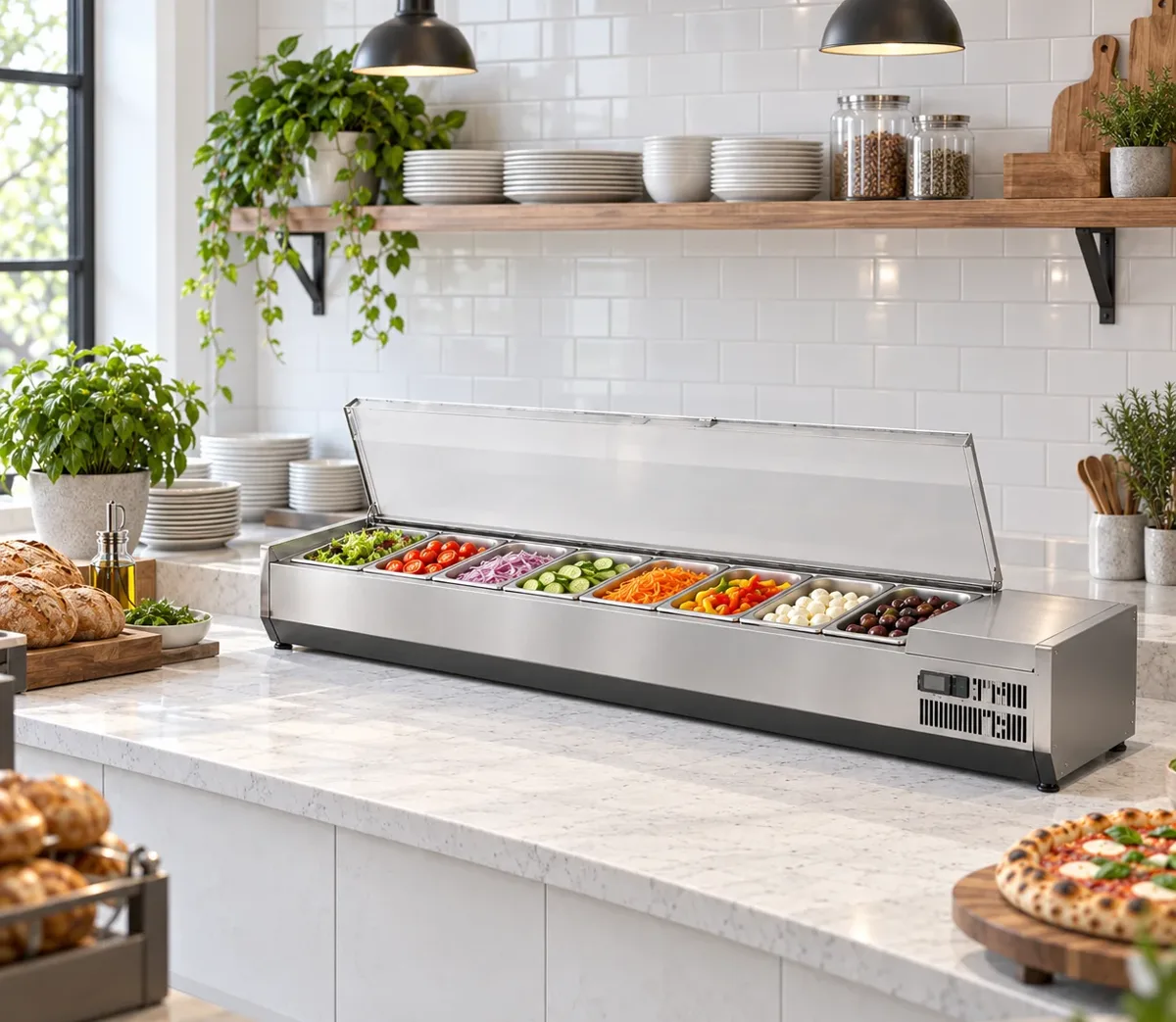
Illustrative station P1 uses a GN-1830SC block: positions 1-2 = ING-A; 3-4 = ING-B; 5 = ING-C; 6 = ING-D; 7 = ING-E; 8 = ING-F. Six ingredient references occupy eight active positions. Three separately requested reserve pans leave the active-position count at eight.
Use a top-view sketch with the same numbers and label its working side. The worksheet's numbering is your planning reference; request the model-specific pan and access drawing with the equipment response.
What does the pizza and sushi prep counter pan-plan download contain?
The CSV gives each recorded pan position its own editable line. It covers six JINYU SC hinged-lid models and three SB glass-cover models, with 68 position rows across the nine alternatives. Each row repeats the full model code, cabinet dimensions and recorded pan layout, followed by a numbered position and empty buyer fields for station, ingredient reference, pan specification, reserve-pan reference and drawing revision. Choose the model block you need in your spreadsheet.
Use the file to turn a menu list into an equipment inquiry. A menu with six ingredient names can occupy seven positions when one ingredient uses two pans. Position rows make that distinction visible before the equipment line is selected. The download contains blank planning entries rather than a supplied menu. The accompanying model table links to the published photographs and specifications used to identify each cabinet.
How many position rows belong to each model?
The six SC blocks contain four rows for GN-1130SC, five for GN-1305SC, seven for GN-1655SC, eight for GN-1830SC, nine for GN-2005SC and ten for GN-2180SC. Those counts total 43 positions across the SC alternatives. The three SB blocks contain seven rows for GN-1655SB, eight for GN-1830SB and ten for GN-2180SB, adding 25 positions. The complete file therefore has 68 data rows.
These totals describe the worksheet blocks. A buyer selecting one GN-1830SC uses its eight rows; the other model blocks remain alternatives. If the project needs two GN-1830SC cabinets, copy that block and give the two copies different station codes. Numbering restarts at one for each cabinet so the plan can be read beside a station-specific drawing without mixing the two sets of ingredients.
How can I plan repeated ingredients without undercounting positions?
Assign an ingredient reference to every active position, including repeated ingredients. For an illustrative eight-position pizza rail, enter ING-A twice, ING-B twice, then ING-C, ING-D, ING-E and ING-F once each. Six distinct ingredient references occupy eight positions: 2 + 2 + 1 + 1 + 1 + 1 = 8. The GN-1830SC block has eight rows for that plan. Ingredient codes here are examples for the worksheet.
A five-position alternative cannot carry that same eight-position allocation unchanged. Record a separate five-row plan in the GN-1305SC block if your team intends a different arrangement. The two model records also differ in cabinet width: 1830 mm versus 1305 mm, a 525 mm difference. Keeping both allocations in the file shows exactly which ingredient positions change when the equipment selection changes.
Where should I record reserve pans and pan specifications?
Enter a reserve-pan reference beside the active position it supports, then maintain a separate accessory list with the requested reserve quantity and specification. In the eight-position example, two reserve pans for ING-A and one for ING-B add three reserve pans to the request. The active layout still occupies eight cabinet positions. A separate accessory count avoids treating reserves as three additional working positions or assuming they accompany the cabinet.
The recorded layouts specify 1/3 GN positions. Add your requested pan depth, material and any lid or divider requirement in the buyer pan-specification column. Ask the equipment response to identify the supplied accessory scope against the selected model. Preserve the returned description alongside your requested specification so changes remain visible. The position count alone does not itemise the containers, lids or spare parts included with an equipment response.
Can I transfer the same allocation between a hinged lid and a glass cover?
The 1655, 1830 and 2180 mm SC/SB pairs have matching recorded position counts and listed capacities. The 1830 mm pair has eight 1/3 GN positions and 82 L in each record. Both bodies are 1830 × 405 mm in plan. Their listed heights differ: GN-1830SC is 280 mm high with a hinged lift-up lid, while GN-1830SB is 450 mm high with a glass cover. The worksheet preserves the full model identity on every row.
Copying ingredient references between those two eight-row blocks creates two proposed allocations. Keep a different drawing reference for each cover arrangement and request the access details for that configuration. Label the working side and the numbering direction on the sketch. Position 1 in this download is a buyer planning identifier; the sequence does not claim a manufacturer-assigned physical numbering system or an internal shelf measurement.
How should I submit and revise the completed pan plan?
Select the relevant model block, fill its station and ingredient fields, then attach a top-view sketch carrying the same position numbers. Give the file and sketch a shared revision reference. Include the equipment quantity, measured worktop dimensions, destination electrical supply and the requested pan specification in the inquiry. Send the documents to Shaanxi Jinyu Kitchenware Co., Ltd. (陕西金宇厨具有限公司) through the inquiry page, naming the selected equipment and any alternatives separately.
When the ingredient list changes, update the affected position rows before asking for a revised equipment response. If the new arrangement needs nine positions instead of eight, compare the GN-2005SC block with the original GN-1830SC plan and revise the cabinet drawing: their listed widths differ by 175 mm. Keep the earlier allocation with the earlier drawing. The final equipment file should connect one selected model, one station code and one current pan-plan revision.
Reference sources
- Download the equipment specification sheet
- Compare SC lids and SB glass covers
- Compare eight, nine and ten positions
- Send a completed pan plan
Regional references support general planning; model-specific specifications come from the published JINYU model tables.